
NFC tags are a neat trick. Your house still shouldn't need your phone to work.
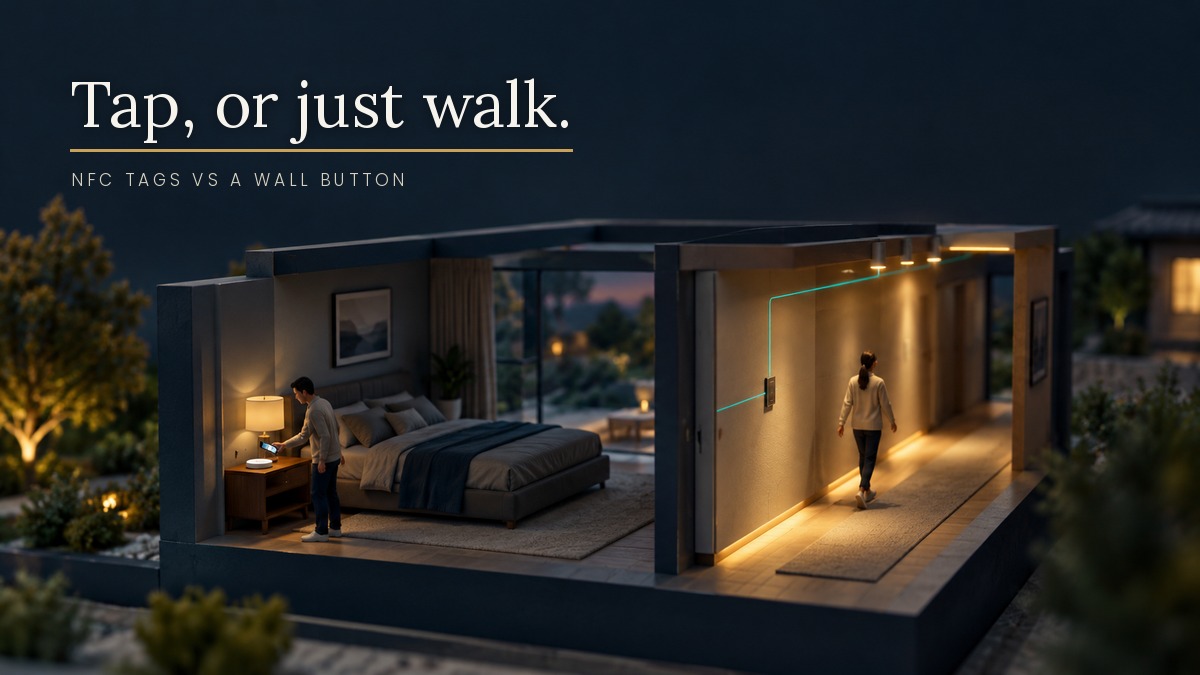
You have probably seen the video. A small sticker on a bedside table, a phone tapped against it, a lamp switching off. “Can we just do this everywhere?”
I understand the appeal. NFC tags cost next to nothing, need no battery and take minutes to set up. But the question underneath is the one worth answering: what should a house depend on to do its basic jobs?
What the tags are good at
Hestia Magazine ran a balanced piece on this in May. Its examples are the sensible ones: a tag that lets guests join the Wi-Fi with a tap, a tag on the espresso machine that starts a timer, a bedside tag that puts the phone into sleep mode and turns off a bulb.
Notice what those have in common. They are small hand-offs between a person and a space. Nothing breaks if the tag fails. Nobody is locked out, nobody is left in the dark.
That is where NFC belongs. A convenience, not a foundation.
Three problems that do not go away
The same article lists the limits, and they are the right ones to worry about.
It is manual. Someone has to find the tag and tap it. A home that needs you to perform a ritual before it helps you is not really automated. It is a very small remote control stuck to the furniture.
It needs a phone. The tag does nothing on its own. The phone is the controller. If the phone is on the charger in another room, flat, or in a guest’s pocket without your app, the tag is a sticker.
It lives on one person’s device. Stickers peel, locations get forgotten, and the programming often sits on the phone of whoever set it up. When that person leaves or upgrades their handset, the knowledge goes with them.
The iPhone wrinkle
If you run Home Assistant, you will meet one more quirk. A write-up on vninja.net explains that on iPhone, Apple does not let an app act on a tag without the user confirming, and the author found no way to override that, even for known tags. Tags written by the Home Assistant Companion App carry information about the app itself, so they always prompt.
The workaround is to write a generic tag with a third-party app and use the iOS Shortcuts app, where an NFC automation can be set to run immediately. That works, but notice the chain: tag, phone, Shortcuts, Companion App, then Home Assistant, then the light. Every link is something that can be updated, reset or logged out.
I am not knocking Home Assistant. I run it. I am pointing out that a tap-to-act experience on a phone is layered on top of several things you do not control.
Where the logic should live
A KNX scene button on the wall does the same job with none of that. You press it. A telegram goes onto the bus. The actuators act. The “goodnight” scene turns off the lights, lowers the heating setpoint and checks the doors, because the logic is stored in the devices on the wiring, not in anyone’s pocket.
It also keeps working when the phone is not there, when the Wi-Fi is down, and when the person who commissioned it is not around. Guests do not need an app. The domestic worker does not need an app. Your parents do not need an app.
Better still, the best automation involves no button at all. The same system can respond to presence, time of day and device status, so the lights are already on when you walk in. The tag article makes this point too, and I agree with it.
What about access?
Phone-free entry is a good example. The KNX Association’s 13 October roundup of home safety products features an outdoor numeric keypad from eelectron. A personal code can release a compatible door system, no phone required. It supports KNX Data Secure, which protects the keypad’s communication with the installation, and a valid code can trigger other actions too, such as switching on the hallway lights. The article notes that the keypad needs a compatible door-release system and that protection against dust and splashing water depends on the mounting accessory used.
That is the contrast in a single product. Same convenience as a tap, but it works for anyone who knows the code, and it talks to the rest of the house.
How I would use NFC in a real project
My rule is simple. If losing the control would cause a problem, it goes on the wall or into the bus logic. If losing it would cause a shrug, a tag is fine.
Lights, blinds, heating, access, anything a guest or a relative needs on day one: wired control. Guest Wi-Fi tap, a desk timer, a phone-specific bedtime routine: tags are a lovely extra.
If you are an architect or designer, the practical point is that tags do not appear on a drawing and they do not survive a handover. A scene button on the electrical plan does. Specify the foundation properly and let the clients add their stickers afterwards.
The load shedding angle
During an outage, phones run down, routers go quiet and cloud services are unreachable. A wall button on a KNX line, powered from a backed-up supply, carries on working. Even if the rest of the network is struggling, the person walking down a dark passage can still press something and get light.
If you are planning a build or a renovation and want to talk through where wired control matters and where a gadget is plenty, I am happy to look at your drawings. Just a conversation about what the project needs.
wayne@knxlogic.co.za | 082 564 3982 | www.knxlogic.co.za