
Window contacts on KNX: stop heating the street, but never switch the heating off
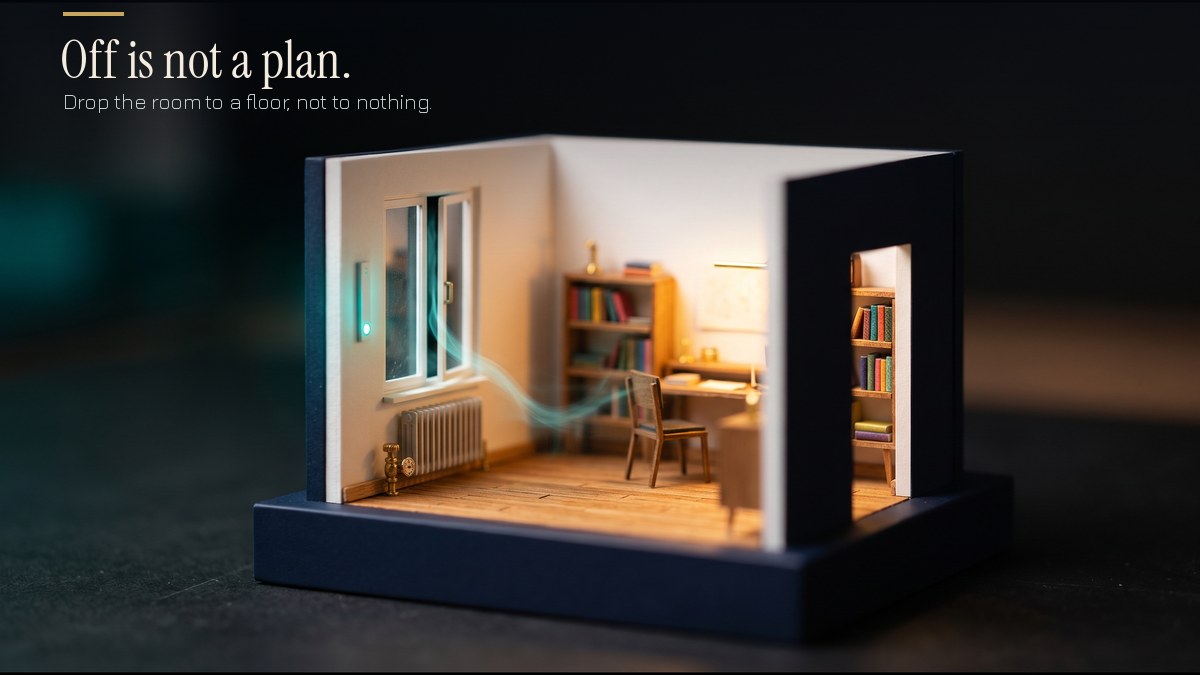
Almost every heating spec I read has “window contacts” in it, usually next to the words “energy saving”. Almost none of them say what the contact should actually do. That is where the trouble starts, because there are two bad ways to wire one up and one good way, and the bad ways look fine on the day you hand over.
The contact is one bit
A window contact tells the system one thing: open or closed. On the Hager glass touch sensor with thermostat, for example, it is a 1-bit “window status” object using DPT 1.019, where 1 means open and 0 means closed. The same manual lists “frost/heat protection change-over via window status” as a controller function, so the open window is meant to push the room into a protection mode.
ABB’s valve drive controller is more flexible about where the signal comes from. The window contact input can be switched off, taken from a physical input on the device, or received over a group object. If you wire several inputs on the device, they are combined with a logical OR, so one open window is enough to count the room as open. That OR is worth copying in your own logic for rooms with more than one opening.
Frost protection, not off
The tempting rule is “window open, heating off”. I don’t like it, and I’m not the only one. A Home Assistant and KNX write-up on the same job makes the same point: switch the thermostat fully off and you have removed all protection, so a window nobody notices can let the room cool without limit and put exterior-wall pipes at risk. Its answer is a protection preset of around 7 °C instead.
The manufacturers land in the same place. ABB’s room controller documentation describes frost and heat protection as the mode that activates when a window opens: the valves close, and heating switches back on if the room drops below 7 °C. Gira’s heating actuator information says the controller switches to frost and heat protection when the contacts show an open window.
So the contact should not cut the heat. It should lower the target to a floor, and let the floor do its job.
The lock object trap
Not every controller has a window input. The MDT single room controller I read has no window object at all. What it has is a heating disable object and a cooling disable object, and its manual gives an open window as the example of when you might use them: send a 1 and the control value is locked.
That works for saving energy. But a locked control value is not frost protection. If the window stays open overnight in July you will not care. In an unheated guest room in June on the Highveld you might not either. In a cold snap, you will. If you use a lock object for windows, you have to build the floor yourself: a second rule that releases the lock, or switches the room to its frost protection mode, when the temperature falls below your minimum. MDT’s frost protection setpoint on that controller is adjustable from 3 °C to 12 °C with a default of 7 °C, but the manual does not tie that mode to window status. That link is yours to make.
Delay: bounce versus airing
Reed contacts bounce. Windows rattle. A bus telegram can flutter. The Home Assistant example waits 5 seconds in both directions before acting, which filters out false triggers and costs nothing in heat.
That 5 seconds is for noise. It is not a figure for real life. Someone who opens a bedroom window to let the cat out does not want the valves closing, and someone airing a room for ten minutes does. Where the delay on your controller sits, and whether it is a parameter at all, differs by product. The Hager and Gira documents I could read did not state a delay figure. So I treat it as a design decision and set it in minutes for bedrooms, then agree it with the client. That is my practice, not a manufacturer number.
The failure you notice is the dangerous one
A contact stuck on “closed” is harmless. You lose the saving, and nobody complains.
A contact stuck on “open” is the one that gets a call. The room sits in frost protection permanently and the client says the study is cold. It can be a mis-set magnet gap, a swollen frame, a loose wire, or an inverted polarity from the day of commissioning. The polarity is easy to get wrong because the object convention is 1 for open, while a physical contact may close or open depending on how it is wired.
Three things I do about it:
- Check the polarity on every opening at handover by opening and closing the window and watching the object in the group monitor.
- Show window state on the wall panel or visualisation so a stuck contact is visible without anyone opening ETS.
- Raise a flag when a window has been “open” for an unreasonable time in a room that is also asking for heat. The thing you are looking for is a window that is open longer than anyone airs a room.
Also check what the controller assumes after a power loss. If it starts up thinking every window is closed until a telegram arrives, a window that was already open will stay unnoticed. That is the same question I raised in the post on what the system does first when power returns at 2am, and cyclic sending of the window state answers it.
No contact, no certainty
Gira’s documentation says that without window contacts, the controller can switch to frost and heat protection when it detects rapid changes in temperature. I would call that an inference, not a sensor. It will catch a door opened onto a freezing morning. It will miss a window cracked open in a mild room. If a client is told the system “knows” when windows are open, it should be because there are contacts on the frames.
What to settle before the walls close
- Which openings get a contact: bedrooms, studies, bathrooms with a window, and large sliding doors. Cooling matters too, because an air-conditioned lounge with the stacking doors open is the summer version of the same waste.
- The cable to every contact, or a decision on wireless, made at first fix and not after the paint.
- The behaviour on open: frost protection mode, not off, with a delay agreed per room.
- The floor temperature if you are using a lock object instead of a window input.
- A handover test with the group monitor open.
If you are planning a renovation or a new build and want heating that stops heating the garden without ever leaving the pipes unprotected, just a conversation about what the project needs: wayne@knxlogic.co.za | 082 564 3982 | www.knxlogic.co.za
Sources
- Hager glass touch sensor with thermostat manual (window status object, DPT 1.019): https://assets.hager.com/step-content/P%2FHA_22820648%2FDocument%2Fstd.lang.all%2F75642XXX-75643XXX__GLASS-TOUCH-SENSOR-WITH-THERMOSTAT__EN__.pdf
- ABB i-bus KNX valve drive controller VC/S 4.x.1 manual (window contact input): https://www.manualslib.com/manual/1538551/Abb-I-Bus-Knx.html?page=59
- ABB i-bus KNX room controller manual (operating modes, frost/heat protection): https://manualslib.com/manual/1412517/Abb-I-Bus-Knx.html?page=33
- Gira KNX heating actuator product information: https://partner.gira.de/data3/206624_PI_KNX-Heizungsaktor_EN.pdf
- MDT TM SCN 01 room temperature controller manual (disable objects, frost protection setpoint): https://www.mdt.fr/fileadmin/user_upload/user_upload/download/MDT_TM_SCN_01_Room_Temperature_Controller_1_fold_V11.pdf
- Window Open, Heating Off: KNX thermostats in Home Assistant (DEV Community): https://dev.to/cloudapp_dev/window-open-heating-off-auto-switch-each-knx-thermostat-to-frost-protection-in-home-assistant-gm