Standards & Interoperability
What 1Home adds to a KNX installation: ETS import in minutes, Apple Home, Google Home and Home Assistant through Matter, local automations, and remote ETS programming for integrators. A reseller's view, including the limits.

Full disclosure first: I am a 1Home reseller. So take this with the right amount of salt. But I can tell you why I put it in my projects, and I will tell you where its limits are, because you should hear those from me and not from a surprise on handover day.
Here is the problem it solves.
A good KNX installation is the most reliable thing in the house. The wall panels work, the blinds run, the scenes fire, and none of it depends on a cloud account. What it has never been good at is the phone in your pocket. Clients want Siri. They want one app that shows the lights, the blinds, the thermostat and the Sonos. They want the front door lock in the same place as the living room scene.
KNX was not built for that. 1Home is the layer that does it, and it does it without asking you to give up anything that makes KNX worth having.
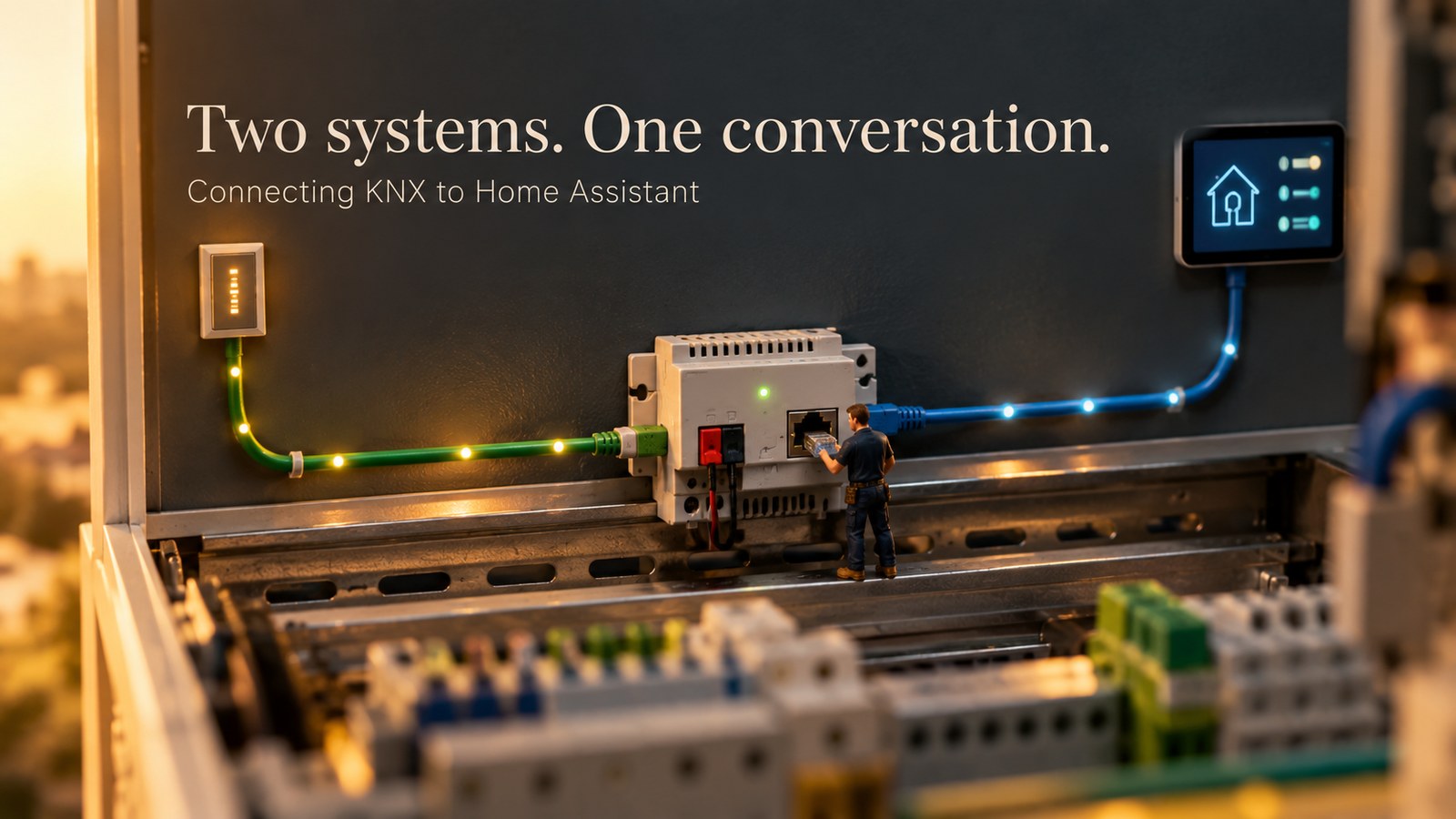
The 1Home Server KNX Pro is a small box that sits on your KNX network. It speaks KNX on one side, over the bus or KNXnet/IP, and Matter on the other. Apple Home, Google Home and Home Assistant all pair to it the way they pair to any Matter bridge. Alexa and SmartThings are supported too, though 1Home currently labels both as beta.
Per the manufacturer’s documentation, it handles up to 250 bridged devices, and one device means one real light, shutter or thermostat, not one group address. KNX itself is unlimited. It also includes a KNX IP interface with four tunnels, so it does not eat the one interface you already planned for.
This is the part that matters most on site.
You upload the ETS project file. 1Home reads it and groups the group addresses into devices: lights, blinds, thermostats, and the other categories in its app. It checks the project and flags group addresses that look wrong. The manufacturer says it has spent six years on that sync algorithm, and it shows.
You do not need ETS to configure it, and your client does not need to know what a group address is. They see “Living room” and “Main bedroom blinds” in the Apple Home app. That is the whole point of doing the naming work properly in ETS in the first place.
KNX and Matter keep working without an internet connection. Only voice control needs the internet, which is true of every voice assistant on the market. Automations run on the box itself.
For anyone who lived through load shedding, that matters. The house does not turn into a lump of plastic when the fibre is down.
This is where it gets fun. 1Home has a drag-and-drop automation editor with triggers, conditions, actions, delays and Lua scripting for the cases where blocks run out. The box supports 150 automations. The examples on the manufacturer’s site are the kind of thing clients actually ask for:
Wireless gadgets get to talk to a wired backbone. The backbone stays in charge. I would rather have it that way round than the other way.
The 1Home System Manager is the integrator’s tool, and it is aimed squarely at supporting projects after handover. The manufacturer lists four whitelisted KNX IP tunnels, a live and historical KNX traffic monitor, a system monitor that shows what triggered each change, automatic graphs, a KNX time server, configuration backup, and remote ETS programming through a dedicated Windows app. One integrator quoted on their page says a secure connection to a client’s system takes about a minute, with no VPN to set up. Health checks and email alerts for failed checks are listed as coming in late 2026.
A traffic monitor you can open from your laptop, on a site 40 km away, is worth real money when a client calls to say the pool pump scene did something odd on Tuesday.
Between March and June 2026, 1Home shipped six releases, from v5.1.1 to v5.4.1. Version 5.3.0 alone brought Sonos support, new KNX data types, tuned KNX/IP heartbeat settings and fixes for rare KNX communication edge cases. That is a vendor that listens to the people who use the product daily.
Pricing is simple. No monthly fees, a two-year warranty and a 30-day money-back guarantee, according to the manufacturer. Their list prices are in euros, so ask me for a rand quote.
I promised the limits. There is one that matters.
1Home’s documentation states that the server does not currently support KNX Secure. If a device in your project uses Secure Commissioning or secured group addresses, the addresses 1Home needs to control must be plain, and ETS programming through the 1Home interface works only where Secure Commissioning is off on the actuator. In practice, this means a design decision. You choose which group addresses are exposed to the phone, and you keep your security-critical functions on their own secured addresses. If a project is Secure end to end, tell me early and we plan it properly.
Two smaller points. Matter controllers are limited to 100 Matter devices in the manufacturer’s initial-release numbers, and Thread is best kept under 25 devices per network. And if you are running a very large Home Assistant instance over Matter, expect to take care with onboarding.
One thing I would love to see in 1Home eventually is customisable dashboards. It works great as it is. But on an exclusive installation, a custom dashboard would lift the client experience even further: their rooms, their layout, their branding, built around how that family actually lives in the house. When a client is spending serious money on a home, the screen they touch every day is part of the finished product. That is a wish from an integrator who already likes the product, not a complaint.
Because it is honest about what it is. It does not try to replace KNX. It does not push a cloud subscription. It reads your ETS project, gives your client the app experience they expect, and leaves the bus alone to do the job it has done for decades.
If you are an architect or designer planning a KNX home and your client wants Siri, Apple Home and one clean app, it is just a conversation about what the project needs: wayne@knxlogic.co.za | 082 564 3982 | www.knxlogic.co.za
Wayne, KNX Logic | wayne@knxlogic.co.za | 082 564 3982 | www.knxlogic.co.za
Sources: 1Home manufacturer pages and documentation: How it works (KNX with Matter), Apple Home and KNX, Server KNX Pro docs, Automations, System Manager, KNX Secure support page, release list (1home.io). All figures and limits are the manufacturer’s own.
Planning a build or renovation? See what we automate, the hardware we specify, or common KNX questions.