Lighting Design
Hold a KNX button and the light ramps. Let go and one stop telegram freezes it. What that means for long press timing, and what breaks when Home Assistant, Hue or Homey listen in.
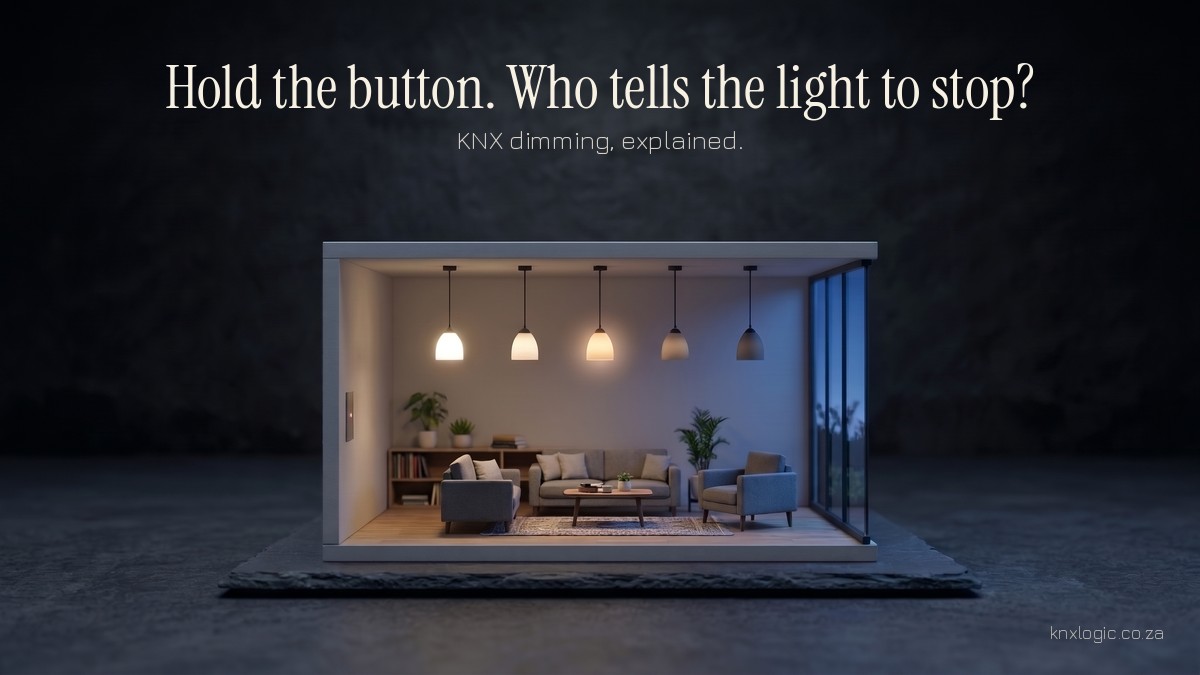
Hold a KNX wall button and the light starts to dim. Let go and it stops right where it is. It feels as if your finger is controlling the light the whole time. It is not.
The button sends two messages. One when you start holding, one when you let go. In between, the dimmer does the work on its own. That second message, the stop, is the whole trick, and it is also where things go wrong.
A KNX article by Ben Lewis of KNX Consultants (knx.org, March 2015) explains that a standard KNX dimmer has three objects: switching (1 bit), relative dimming (4 bit) and absolute dimming (1 byte). Manufacturers label them differently. The 4 bit one is sometimes called “brighter/darker” and the 1 byte one “value”.
Absolute dimming sets a level. 255 is 100 percent, so 127 is roughly half. That is what you want for a scene. It cannot make a room “a little brighter than it is now”, because it has no idea where “now” is.
Relative dimming starts a ramp in one direction. The ramp keeps going until the dimmer reaches its minimum or maximum, unless a break telegram (stop dimming) arrives first. The ramp speed is a parameter in the dimmer. The article’s example is 0 to 100 percent in 10 seconds, so a stop after 5 seconds leaves the light at about half.
So a held button is a start telegram when you press and a stop telegram when you release. The light stops wherever your finger lifted. One press, any level.
The button has to decide which one you meant. A Hager push button application manual I read says a short press switches and a long press dims. The time that separates them is a parameter called “Time for long key-press (dimming, shutter/blind)”, with values of 400 ms, 500 ms or 1 s. The default is 1 s. The same manual mentions sending a stop telegram at the end of the touch, though in the pages I could read it does not name a parameter for it.
Two things follow. A full second is a long time to hold a button before anything happens, so if a dimming button feels sluggish, that is the first number I would look at.
And it is one number for the whole device. In a Schneider SpaceLogic forum thread from September 2025, a Schneider application design engineer (Thomas Rohde) warned that the long operation time on a TouchUnit applies to the whole device. Change it to suit one workaround and you also change the long press timing for dimming and blinds. I have not checked whether Hager and Ekinex devices behave the same way, so look at the parameter page for the one you are programming.
A KNX dimmer knows how to run a ramp and honour a stop. Anything else listening on the bus only knows how to run a ramp if somebody taught it.
Two public examples show how easily half the conversation goes missing.
In a Home Assistant community thread from December 2020, a user called Carlos_Lara wired KNX wall switches to Zigbee lights with an AppDaemon app. Holding the button raised the brightness by about 6 percent and then stopped. His logs showed the dim-up action firing twice per press: the “stop” branch ran straight after the “start” branch because an else was attached to the wrong check. He fixed it by testing explicitly for a value of 0. It is a small bug, but it shows the shape of the problem. On a 4 bit dimming object, “stop” is a value of 0 and “start” is a direction plus a step size. Treat any non-zero value as a start and you will get this kind of mess.
In a Homey community thread (page 2, with a post from November 2025), a user reported that a flow never triggered on “dim up” or “dim down” from a KNX relative dimming address (DPT 3.007). The app only received the final “stop” value of 0 when the button was released. A GitHub issue on Athom’s KNX app, opened in October 2025, asks for proper DPT 3.007 support for the same reason: the direction values never arrive. Nobody in the thread had a working fix. This one is the mirror image of the first. The integration sees the stop but not the start.
Those two are hobbyist setups, and I do not want to overstate them. They are the reason I would test relative dimming first whenever a second platform joins a KNX house.
If the integration loses the start, nothing happens. If it loses the stop, I would expect the ramp to have no reason to end before it reaches its limit, because that is how the ramp is described. I have not found a source that documents a lost stop on a real project, so treat that as my reasoning and not as a reported fault.
Do it with the actual lights, not on the bench.
Tap the button quickly. It should switch, not dim. If it dims a little, the long press time is too short or too long for the person using it.
Hold and release at about half brightness. The light should stop where you let go.
Hold past the full ramp. It should reach its limit and stay there without flicker.
Time the ramp. Ten seconds from 0 to 100 is the article’s example, and it is a parameter, so you can change it on most dimmers. Some manufacturers do not expose it. Pick what feels natural for the room.
Then repeat all of it with Home Assistant, 1Home, Hue or any other listener switched on. If something is mirroring the light, watch whether it ends up at the same level as the dimmer.
For anything automated, I would keep to absolute values and scenes. Relative dimming earns its place on the wall button, where a human finger supplies the stop.
I am not tied to a brand. The principle is the same on Hager, Ekinex or anything else that follows the standard. The parameter names are not.
If you are planning a build or a renovation and want lighting that behaves the same way every time someone holds a button, just a conversation about what the project needs.
wayne@knxlogic.co.za | 082 564 3982 | www.knxlogic.co.za
Planning a build or renovation? See what we automate, the hardware we specify, or common KNX questions.